FEATURED PROJECTLIVE
Elden Ring Tracker 2.0
A high-resolution map, dungeon maps and a build lab
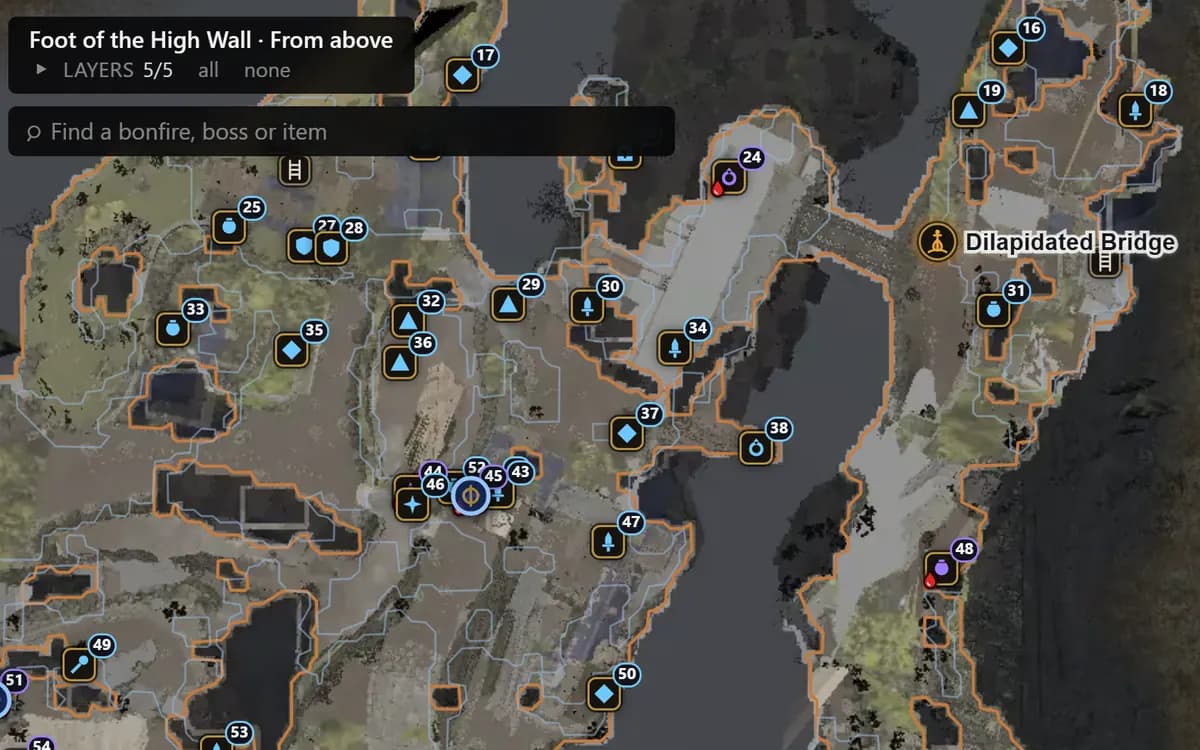
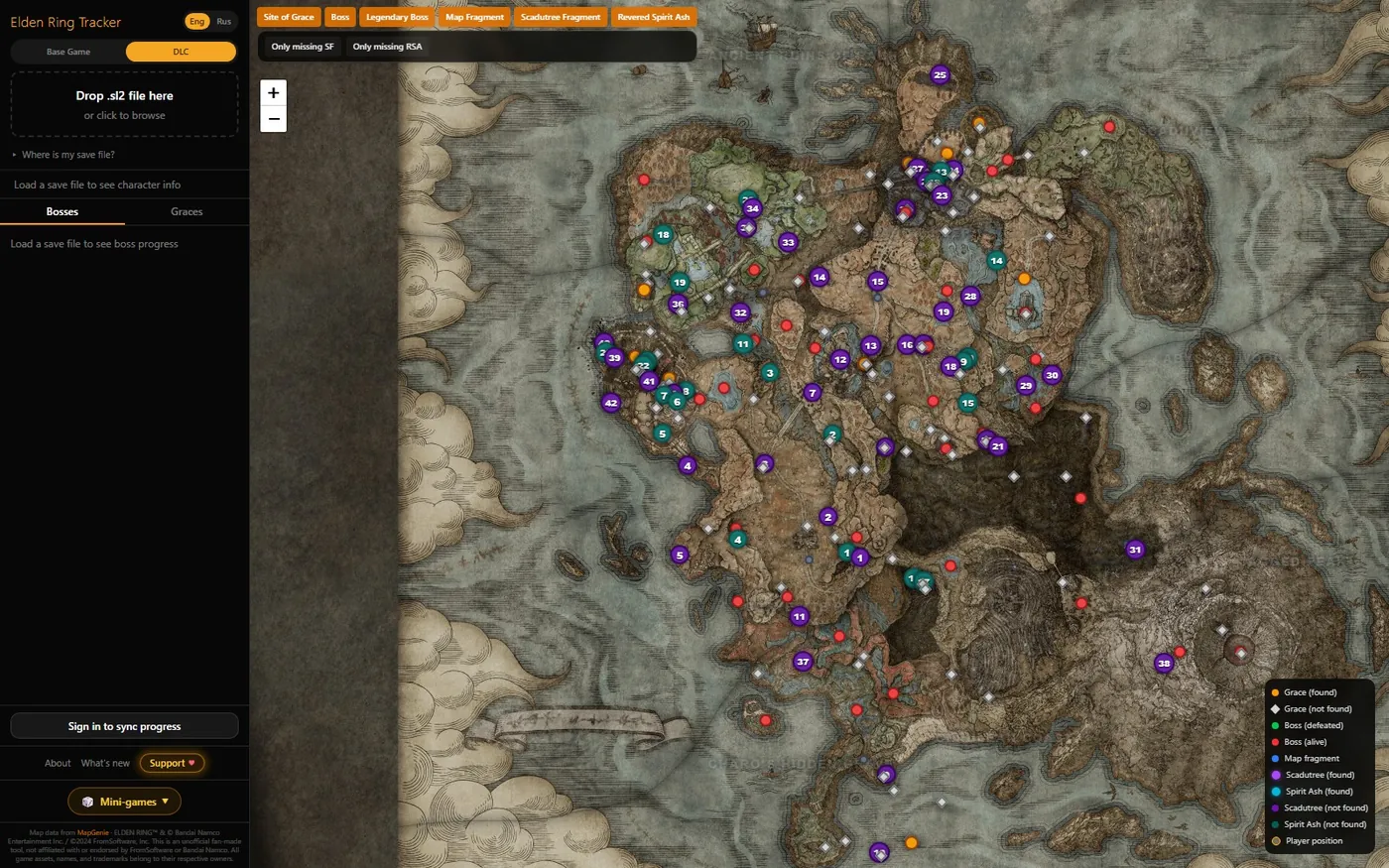
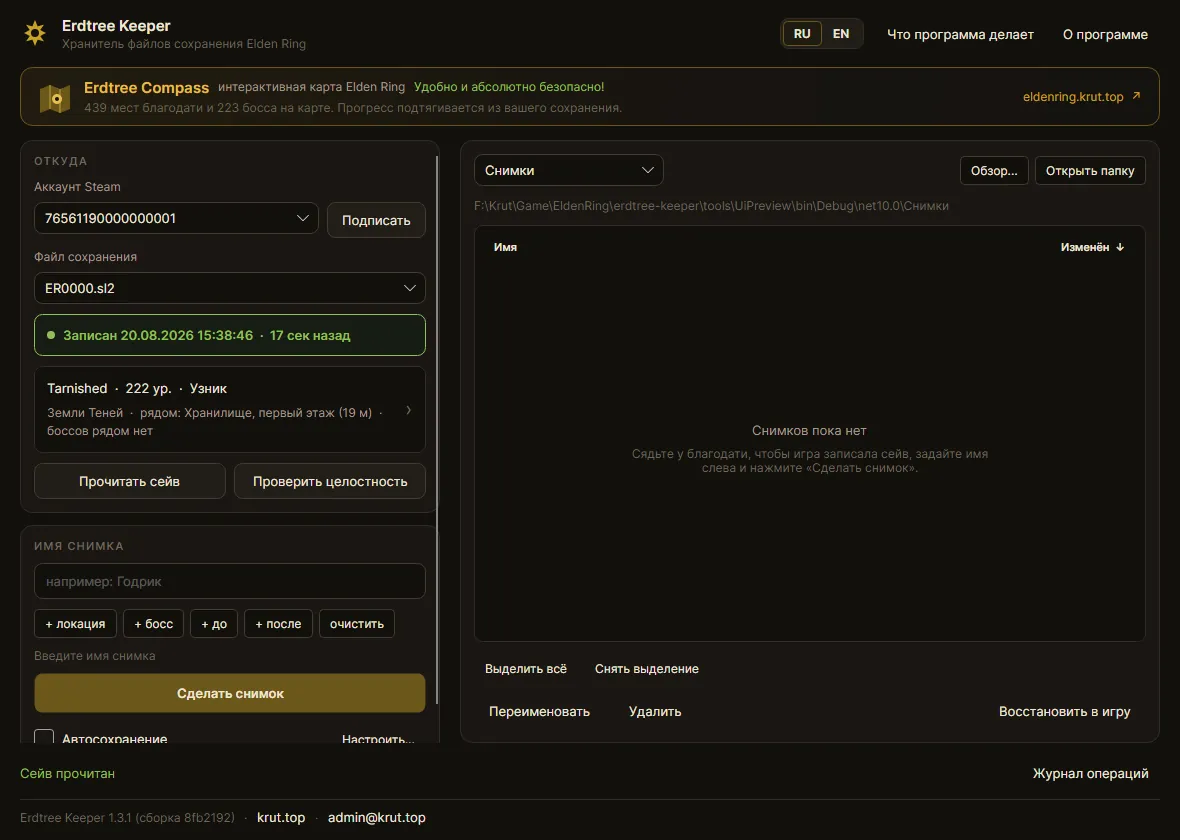
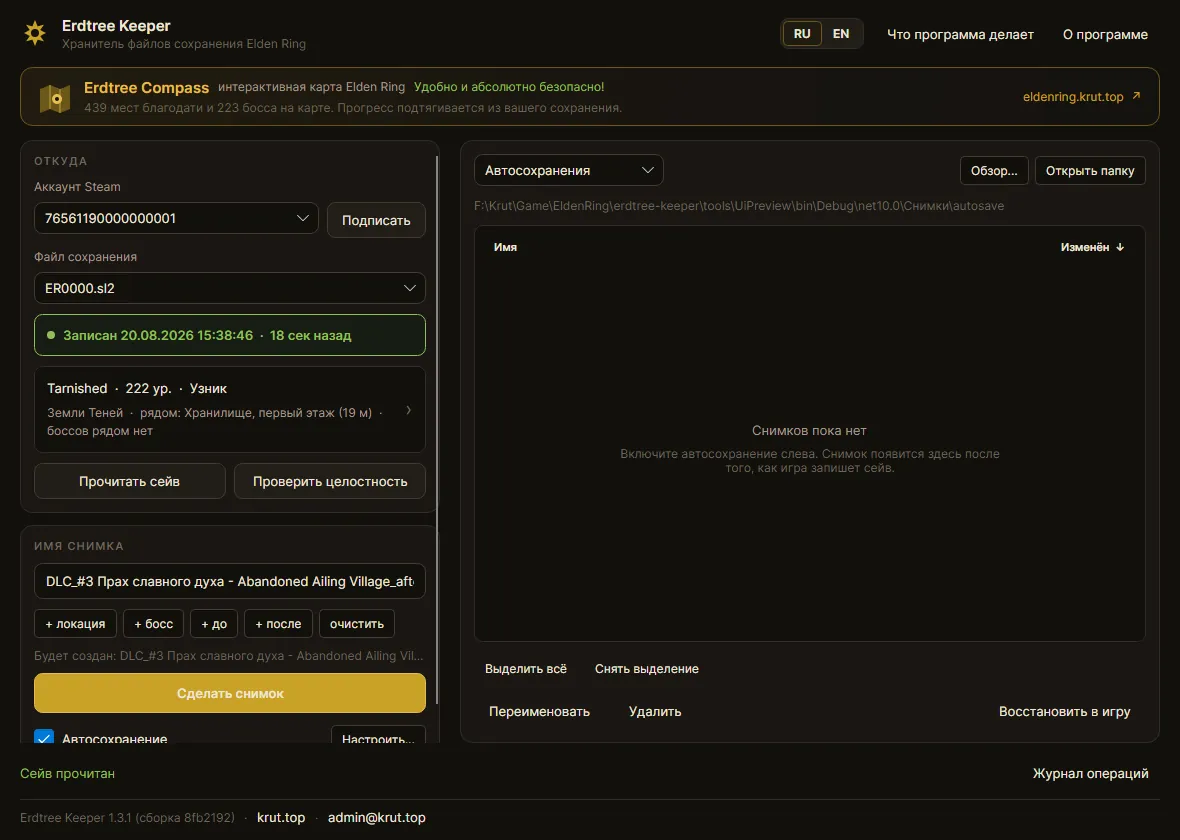
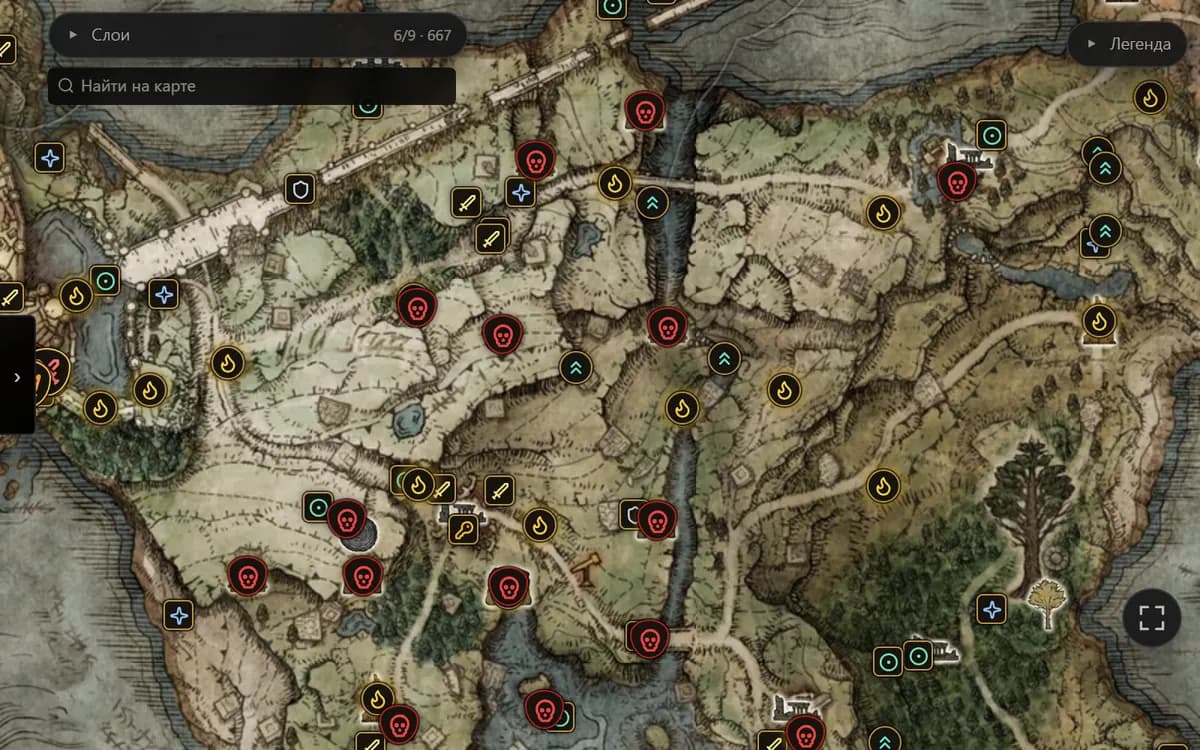
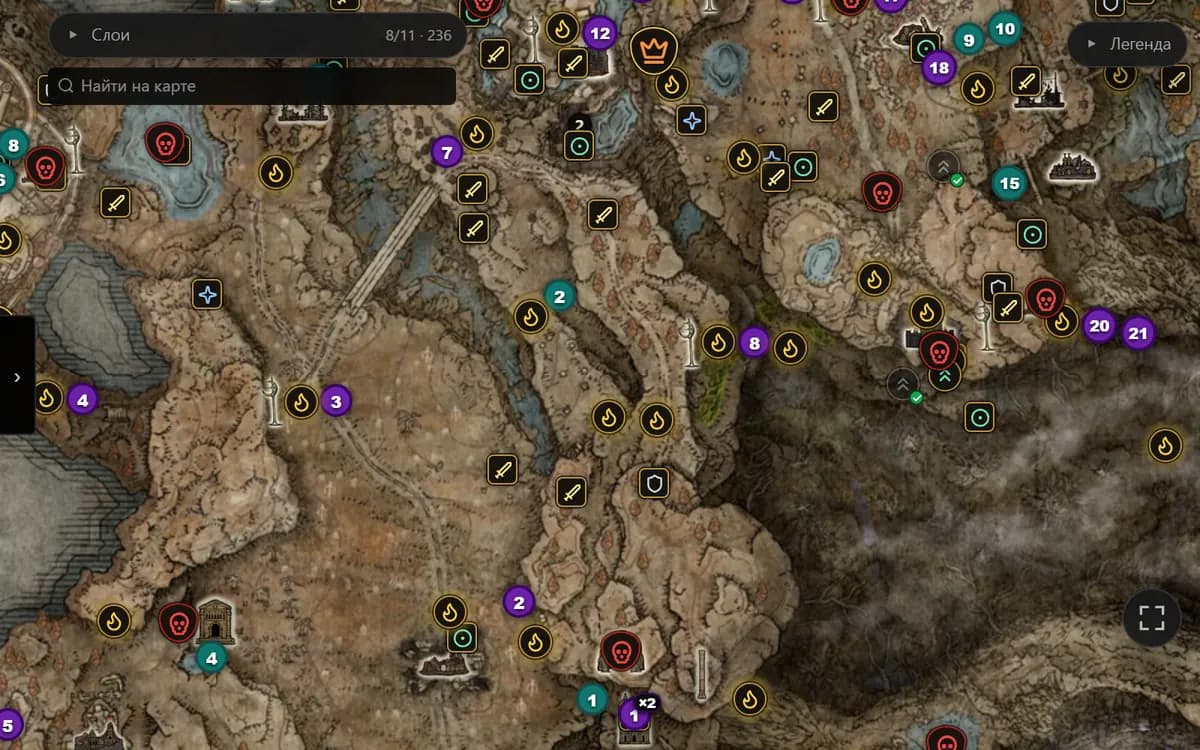
A high-resolution map: detail holds up as you zoom in, and markers sit at exact coordinates rather than being eyeballed. Locations reveal themselves as you explore, and Scadutree Fragments and Revered Spirit Ashes are counted from the save automatically.
- Sharp at every zoom level
- 1044 markers: Graces, bosses, locations, Spiritsprings, fragments and ashes
- 282 locations, each type with its own icon
- Fragments and ashes: all 75 pickups read from the save
- Dungeon maps: a level-by-level plan of each dungeon with its own markers
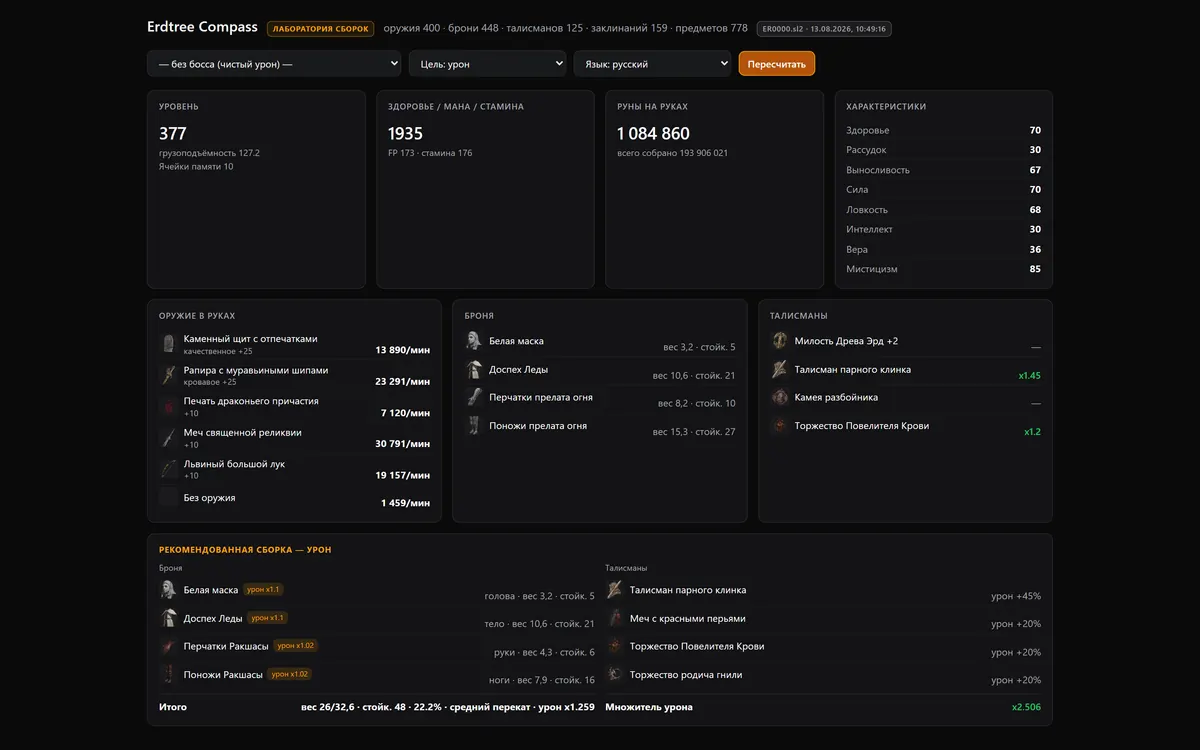
- Build lab: damage, gear and recommended builds
- Map, search and lists are free - no account needed
- Pro unlocks the tools: one purchase, no subscription
Open the tracker(Opens in a new tab)eldenring.krut.top